 Siesta AI











Screen Recording, Made Simple
Record your screen, camera, or both with one click. Share walkthroughs, bug reports, and tutorials without leaving Siesta AI.
Get startedRecord & Share Instantly
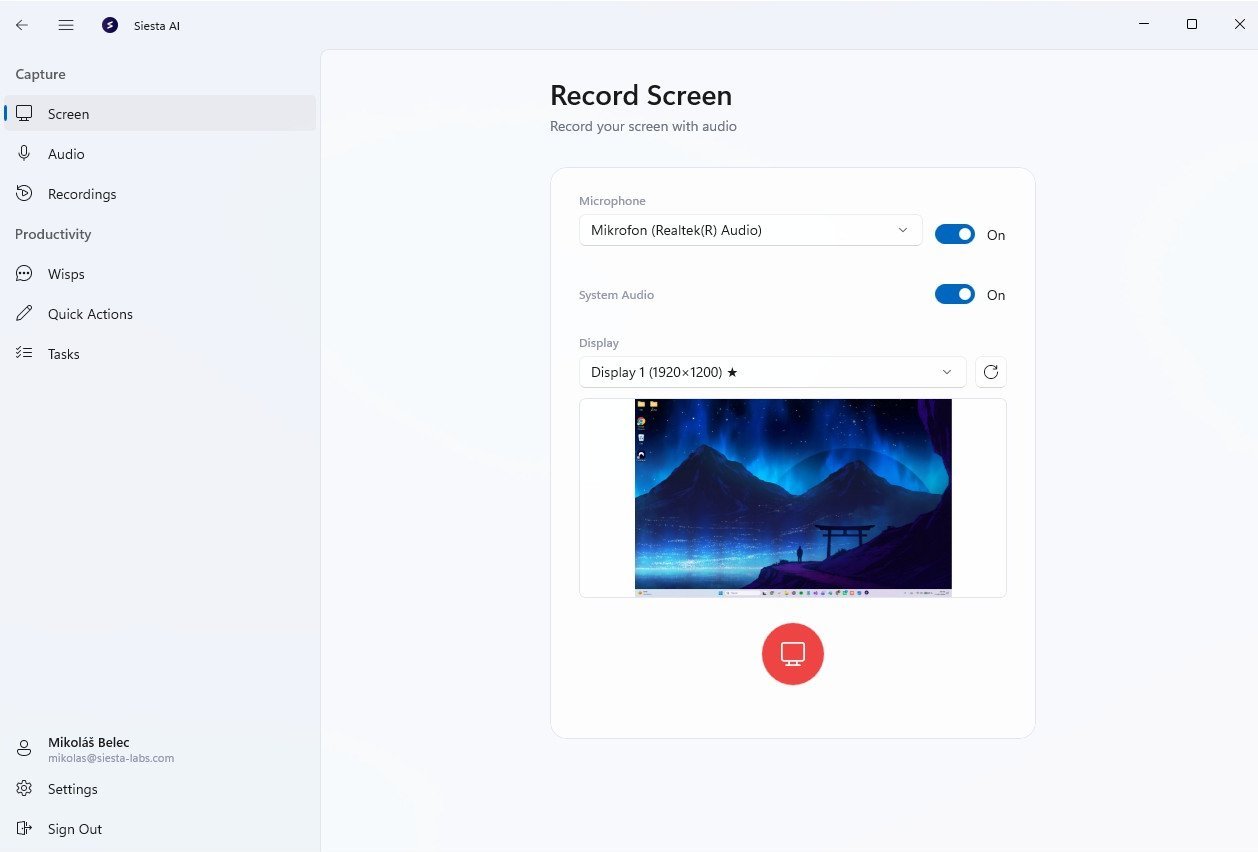
Start recording your screen, window, or tab with a single click, with no software to install. Add a webcam overlay for walkthroughs and generate a shareable link immediately.
AI Summaries & Transcription
Every recording is automatically transcribed and summarized by AI. Search through transcripts, jump to key moments, and share written summaries alongside your videos.
Show, don't tell
Record your screen in seconds and share it instantly, perfect for async communication.
One-Click Recording
Start recording your screen, window, or tab with a single click, with no software to install.
Camera Overlay
Add a webcam bubble to your recordings for a personal touch on walkthroughs and demos.
AI Summaries
Get automatic transcriptions and AI-generated summaries of every recording you make.
Trim & Edit
Trim the start and end, cut out mistakes, and add annotations before sharing.
Instant Sharing
Generate a shareable link immediately after recording. No uploads, no waiting.
Timestamped Comments
Leave comments at specific timestamps for precise, contextual feedback.
View Analytics
See who watched your recording, when, and for how long.
Organized Library
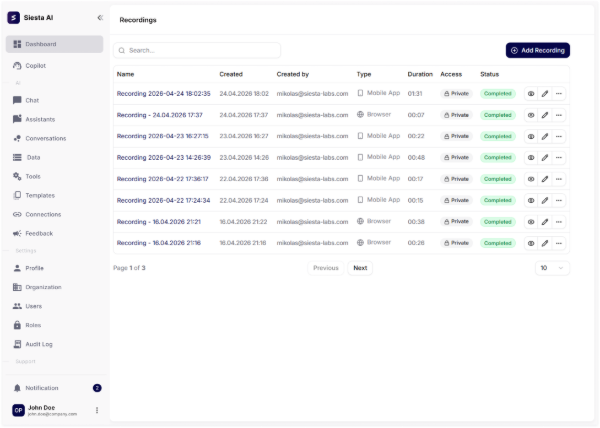
All recordings are saved in your workspace library, searchable and organized by project.
Get the desktop app
Available for Windows and macOS. Install it, sign in, and your workspace is there.