 Siesta AI











Retour à Siesta TV
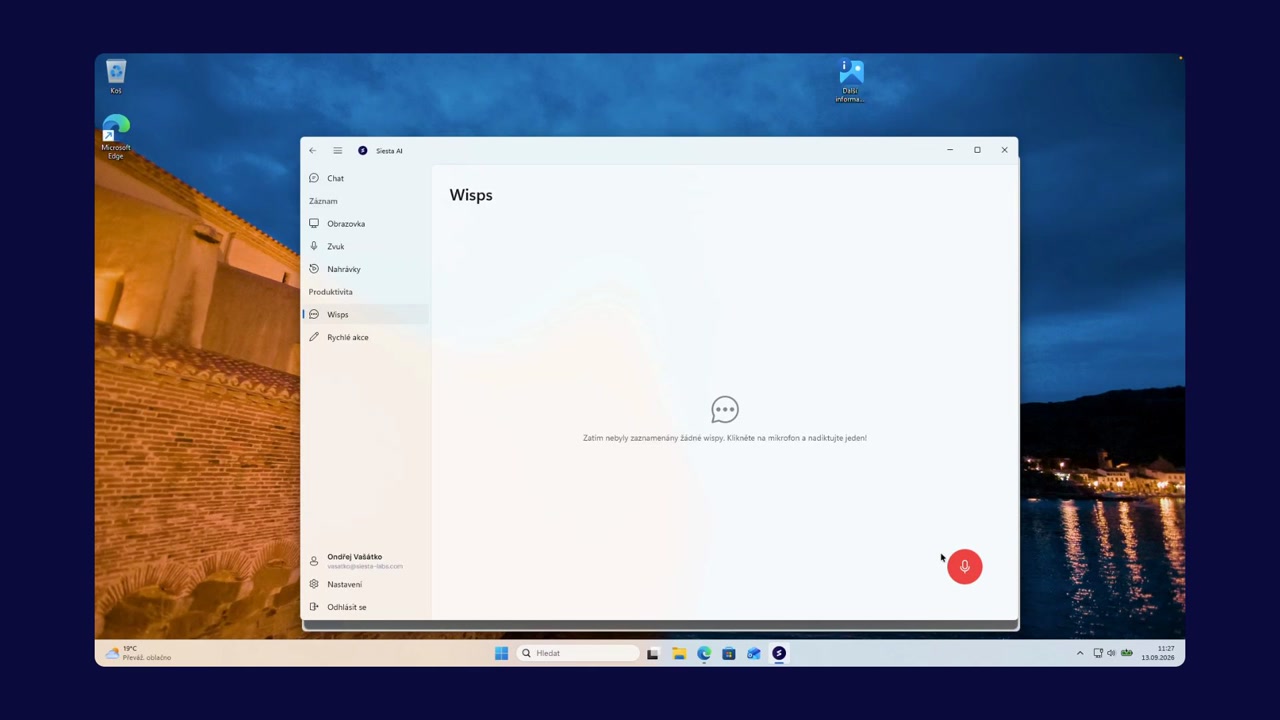
Record and share your screen
Capture a walkthrough with microphone and system audio.
Start a screen recording from the Siesta AI desktop app or with a keyboard shortcut. Choose the display, microphone, and system audio, then record a product guide or working process.
When the recording is ready, open it in the browser, create a public link, and share it with anyone who needs to watch it.